
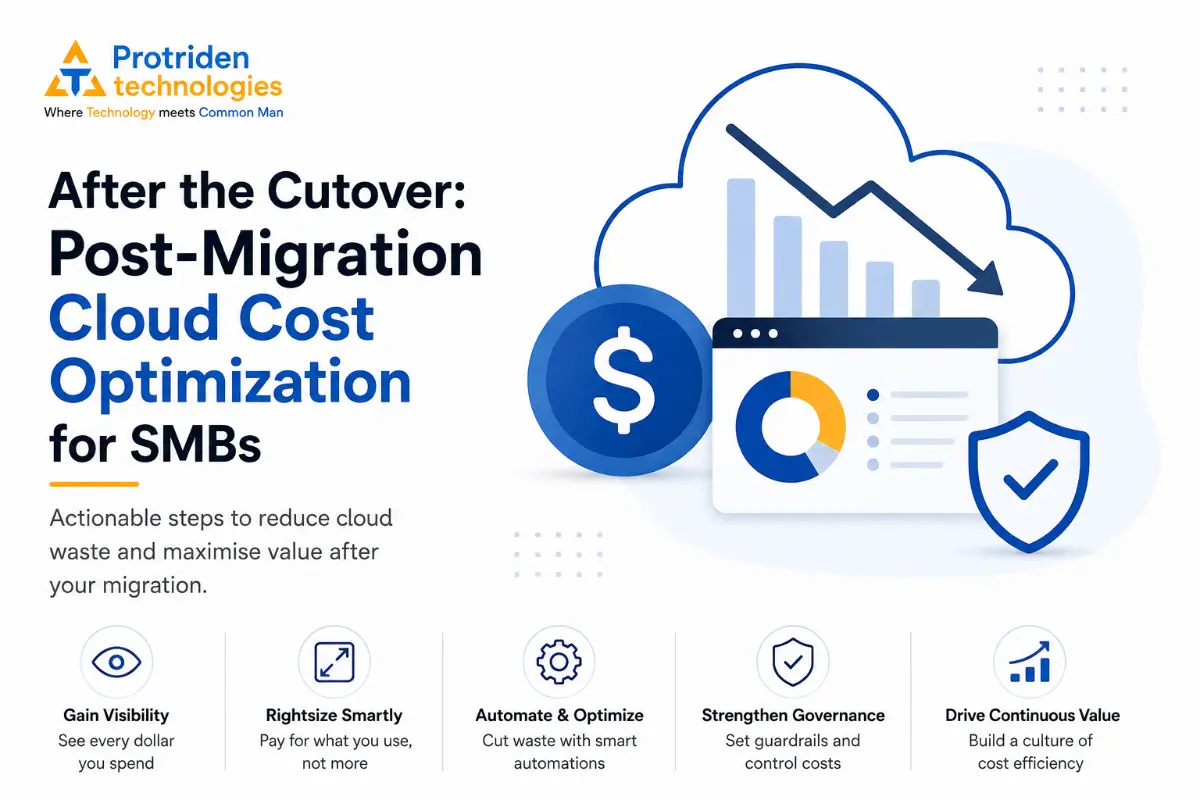
Moving systems to the cloud is only the start of the cost management journey. Many SMBs discover that bills stabilise or even rise after cutover because operational patterns, overprovisioned resources and missing governance cause waste to compound over time.
This article focuses on actionable, realistic steps SMB leaders and technical teams can use to regain control of cloud spend after migration. It draws on best practices—visibility and accountability, rightsizing and reserved commitments, automation and managed services, and ongoing governance—to help you prioritise work, understand trade-offs and reduce surprises.
Make cost visibility the immediate priority
Before you can cut waste you must see it. The first post-migration activity is to establish a single view of consumption across accounts, projects or regions. Use your cloud provider’s native cost tools (for example, AWS Cost Explorer and CloudWatch, Azure cost tools, or DigitalOcean monitoring) plus any third-party billing aggregators you already use. Consolidated visibility is the precondition for all optimisation work.
Implement resource-level tagging and labels consistently from day one. Tagging lets you map spend to teams, products or cost centers and is the foundation of showback and chargeback. If tagging is incomplete, treat the early weeks as a cleanup project: find the largest untagged resources, tag by ownership, and automate tagging for new resources using policies or CI/CD pipelines.
Start with showback before chargeback. Presenting readable cost reports to teams helps build cost literacy without enforcing penalties. Several practitioner guides recommend iterative adoption: use showback to set baselines, then evolve to a hybrid model as tagging coverage and trust grow. Practical checkpoints include a regular cadence of cost reviews—make them part of sprint retrospectives or monthly ops meetings—so your organisation treats cost as an operational metric, not just a finance item.
Rightsize and match purchase models to workload patterns
Rightsizing is often the highest-leverage post-migration activity because many teams leave instances sized for peak on-prem loads instead of steady cloud demand. Start by identifying low-utilisation compute and storage. Use provider tools that surface idle or underused instances and review those suggestions with application owners—automated recommendations require human validation to avoid service disruption.
Match your purchase model to predictable patterns. For steady-state workloads, consider reserved instances or committed use discounts where supported; for variable or bursty workloads, rely on autoscaling and on-demand pricing. Each approach involves trade-offs: reservations reduce unit costs but require commitment and carry the risk of wasted spend if demand falls; autoscaling lowers risk but may increase per-unit costs if you can’t leverage discounts.
Plan a practical runbook for rightsizing: run non-production experiments to reduce instance sizes for a week, monitor latency and error rates, and roll successful configurations into production. Keep a rollback path and maintenance windows for sensitive systems. If your team lacks capacity, engage an external partner for an initial rightsizing pass and knowledge transfer so your engineers learn the signals to watch.
Use automation and the right managed services judiciously
Automation reduces human error and recurring waste. Simple automations—scheduled start/stop for non-production environments, lifecycle policies for old snapshots, and automated snapshots only where needed—deliver quick returns. Implement these through cloud-native schedulers (for example, AWS EventBridge, Azure Logic Apps) or as part of your CI/CD pipelines so automation is reproducible and auditable.
Consider managed services and serverless platforms where they lower operational overhead. Serverless functions, managed databases and platform services can reduce the need to run long-lived VMs; however, there are trade-offs in latency, vendor lock-in and different cost profiles. Evaluate by total-cost-of-ownership and run small pilot projects to compare costs and developer velocity.
Spot or preemptible instances are effective for fault-tolerant, batch or development workloads. They can dramatically lower compute costs but introduce availability risk. Only use spot instances where your architecture tolerates interruptions and where automated job restart or checkpointing is in place.
Governance: policies, budgets and guardrails that scale
Preventing runaway spend requires policies that are simple to follow and enforceable. Set per-team budgets, enable alert thresholds tied to usage and cost anomalies, and configure hard controls for resource creation when necessary. Cloud providers offer native budget alerts and policy engines; integrate these with your collaboration tools so teams get immediate, actionable notifications.
Establish a change control process for cost-impacting decisions—new instance families, large storage choices, or committing to multi-year discounts should include a cost impact estimate in the approval flow. Keep the process lightweight for SMBs: a standard template or checklist that attaches to pull requests or ticket items is often enough to surface obvious cost risks.
Recognise the people and cultural side of governance. Cost accountability is a cross-functional capability: finance, engineering and product managers must agree on cost visibility, naming conventions and escalation paths. Begin with low-friction practices—monthly showback, a single cost owner per project, and documented tagging standards—and increase controls only where necessary.
Operationalising FinOps: process, cadence and continuous improvement
Optimization is ongoing. Many SMBs find that treating cost as an operational discipline—reviewing usage quarterly and automating recurring tasks—keeps bills under control. Create a simple FinOps rhythm: weekly monitoring of anomalies, monthly review for rightsizing opportunities, and quarterly strategy sessions to evaluate reservation coverage and architectural trade-offs.
Measure outcomes with clear, agreed metrics: cost per customer, cost per environment, or cost variance against baseline for major services. Use these metrics to prioritise optimisation efforts and to justify investments in automation or managed services. Be prepared to pivot: a cost-saving that increases operational risk or reduces developer productivity may not be worthwhile.
If internal bandwidth is limited, choose targeted external support. Protriden Technologies provides cloud deployment, monitoring and performance work on AWS and DigitalOcean and can help implement tagging, monitoring, rightsizing runs and CI/CD automations. Engage external help for the initial cleanup and for building repeatable processes your team can maintain afterward.
Controlling cloud costs after migration is practical for SMBs when you prioritise visibility, enforce basic tagging and ownership, rightsize thoughtfully, use automation selectively, and set simple governance and FinOps cadences. Treat optimisation as part of run-the-business activities—not a one-off project.
Start small: consolidate billing and tagging, run an initial rightsizing pass on the highest-cost items, automate routine non-production tasks, and establish a monthly cost review. If you need assistance implementing these steps or want Protriden Technologies to help in areas such as cloud deployment, monitoring, CI/CD automation and security, we can provide targeted, practical support.
How Protriden Technologies Can Help
If you want a pragmatic, low-friction plan to reduce cloud spend after migration, contact Protriden Technologies for a no-pressure assessment and roadmap tailored to your stack and team.
Explore our software development services or discuss your requirements with the Protriden Technologies team.